
Knowledge & Trends
SAP Fiori Launchpad: the digital workplace without a tile jungle

Blog post
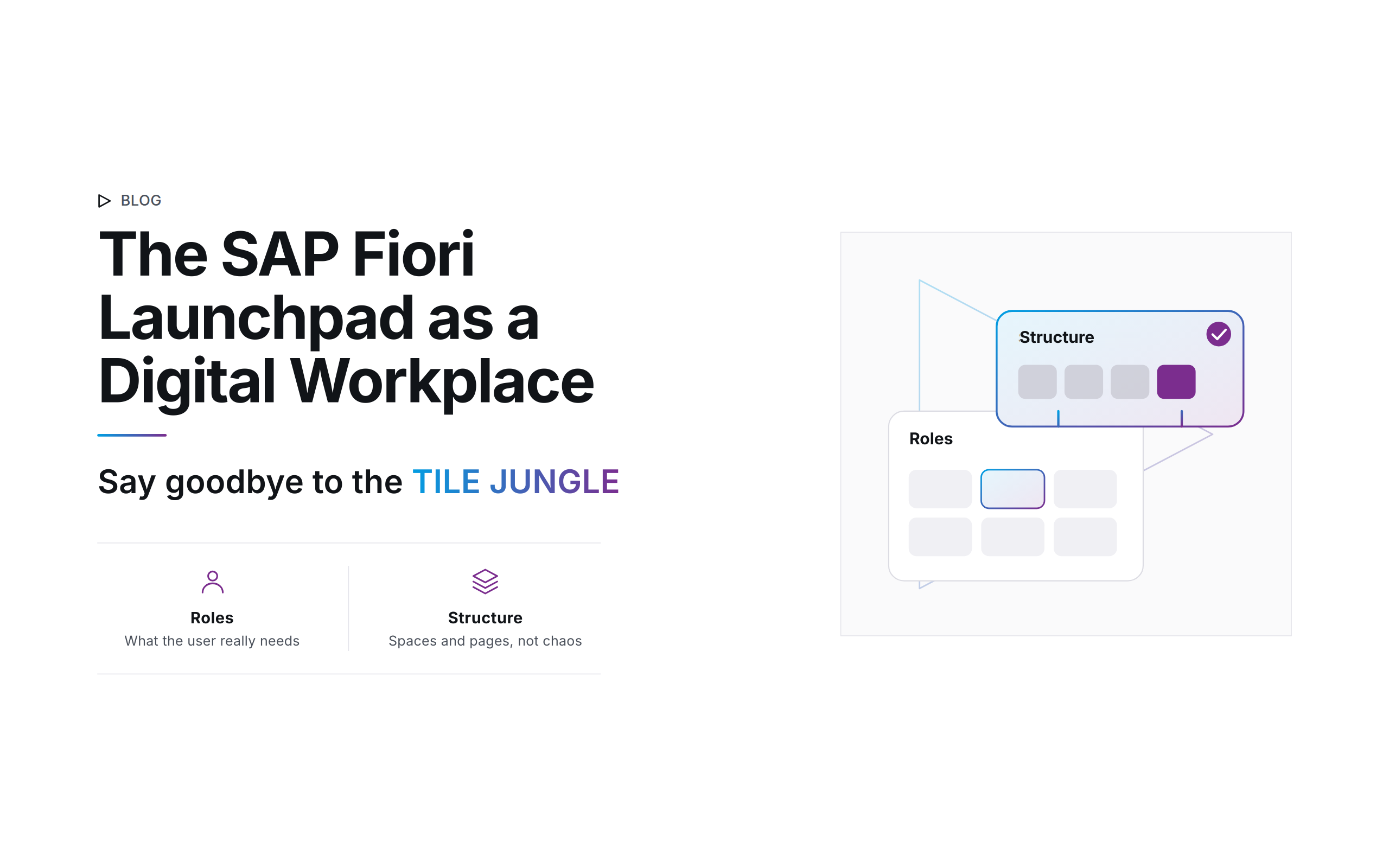
Imagine your employees start their workday and find all their relevant tasks, reports, and applications on a single, clear start page. No more confusing menus and no more tedious searching for cryptic transaction codes. This is exactly the promise the SAP Fiori Launchpad delivers on as the central, role-based entry point into the modern SAP world.
At the same time, introducing the Launchpad by no means means turning your entire system landscape upside down overnight. Its real strength lies in its enormous flexibility: it acts as a bridge that seamlessly connects proven legacy technologies and state-of-the-art cloud applications, creating the digital workplace of the future.
No digital clear-cutting: the gentle, hybrid transition in everyday IT
A widespread misconception is that with the SAP Fiori Launchpad, every single application has to be immediately rebuilt as a modern Fiori app. From experience, we know: that’s neither economical nor necessary. The Launchpad is a true all-rounder and integrates a wide range of UI technologies under one interface:
▷ Classic GUI transactions & Web Dynpro
Proven standard transactions for which there is no sensible Fiori alternative are simply integrated as a tile. They open directly in the web browser via SAP GUI for HTML.
▷ External URLs and platforms
Whether it’s jumping into the SAP Analytics Cloud (SAC), embedding the internal SharePoint, or links to external supplier portals, everything can be added as a tile.
▷ Business configurations in the cloud
In modern, cloud-ready systems, the Launchpad goes so far that authorized key users can handle table configuration directly through the Launchpad, without ever having to open the back end.
Structure in transition: groups vs. spaces & pages
Anyone who knows the Launchpad from its early days often remembers the confusing “tile jungle.” Back then, apps were lined up next to each other in simple groups, and with many authorizations that quickly led to endlessly long start pages.
The modern SAP standard architecture therefore consistently relies on the clear concept of spaces and pages:
▷ Spaces (the workspace)
A space bundles the applications for a specific employee role (e.g., “accounts payable”).
▷ Pages (the topic pages)
Innerhalb eines Spaces unterteilen Pages die Aufgaben in logische Unterbereiche (z. B. "Tagesgeschäft", "Monatsabschluss").
This structure provides maximum clarity and is excellent to manage in everyday use. Users can also personalize their digital workplace: anyone who works with a specific filter in a Fiori Elements list report every day can save that view as their own variant and place it directly on their start page as a personal tile.
Corporate identity: more acceptance through custom branding
Employees are much more willing to use a system when it fits seamlessly into the familiar company world. The SAP UI Theme Designer lets you adapt the SAP Fiori Launchpad precisely to your company’s corporate identity (CI). Adding your own logo and matching your company colors create a consistent look. This noticeably increases the workforce’s identification with, and acceptance of, the digital processes.
Flexible architectures: from on-premise to SAP Build Work Zone
The technical architecture in the background is just as flexible as the interface. The classic boundaries between purely on-premise and cloud scenarios are increasingly blurring:
▷ Embedded vs. hub scenarios
Whether the Launchpad runs directly on the S/4HANA system (embedded) or is provided through a separate front-end gateway (hub) is no longer a purely on-premise question today.
▷ The modern cloud hub
If your company is betting on a future-proof cloud strategy, the Launchpad is provided as SAP Build Work Zone via the SAP Business Technology Platform (BTP). It acts as a central hub that collects data from various systems through destination connections.
▷ Intelligent widgets (UI integration cards)
In the cloud variant, you can populate the Launchpad with interactive micro apps (cards). These display live charts or task lists directly on the start page, without the actual app having to be opened.
If you’re still using the old SAP Enterprise Portal in your on-premise world, its maintenance will inevitably run out. In the cloud, too, shutting down the old Neo environment requires an active switch to modern Cloud Foundry / Kyma environments. The Fiori Launchpad is the standardized successor here.
Best practices for successful SAP Fiori Launchpad management
▷ Use the Launchpad as a hybrid bridge
Don’t force your company into giant Fiori leaps. Integrate existing GUI transactions and Web Dynpros to give the business departments a gentle transition.
▷ Switch to spaces & pages soon
Relieve your IT support of layout questions by establishing the modern, clear spaces concept instead of managing old tile jungles.
▷ Use global search as a productivity turbo
The built-in enterprise search function finds documents, master data, and apps across systems in a matter of seconds. Train your employees to use it.
▷ Plan the cloud infrastructure switch early
If your Launchpads are still running on older cloud infrastructures (such as the Neo environment), plan the switch to modern Cloud Foundry architectures on SAP BTP in good time.
Conclusion
The command center for business success.
The SAP Fiori Launchpad is far more than a pretty start page, it’s the flexible face of your SAP landscape. By bundling transactions, web content, and cloud services by role, it secures user adoption without you having to radically rebuild your proven back-end processes. Anyone who sets up the Launchpad cleverly from an architectural standpoint creates the perfect foundation for the digital workplace of today and tomorrow.
Author: Alisa Reckinger | Last updated: 07/30/2026