
Knowledge & Trends
SAP Fiori Freestyle: when SAPUI5 is the right choice

Blog post
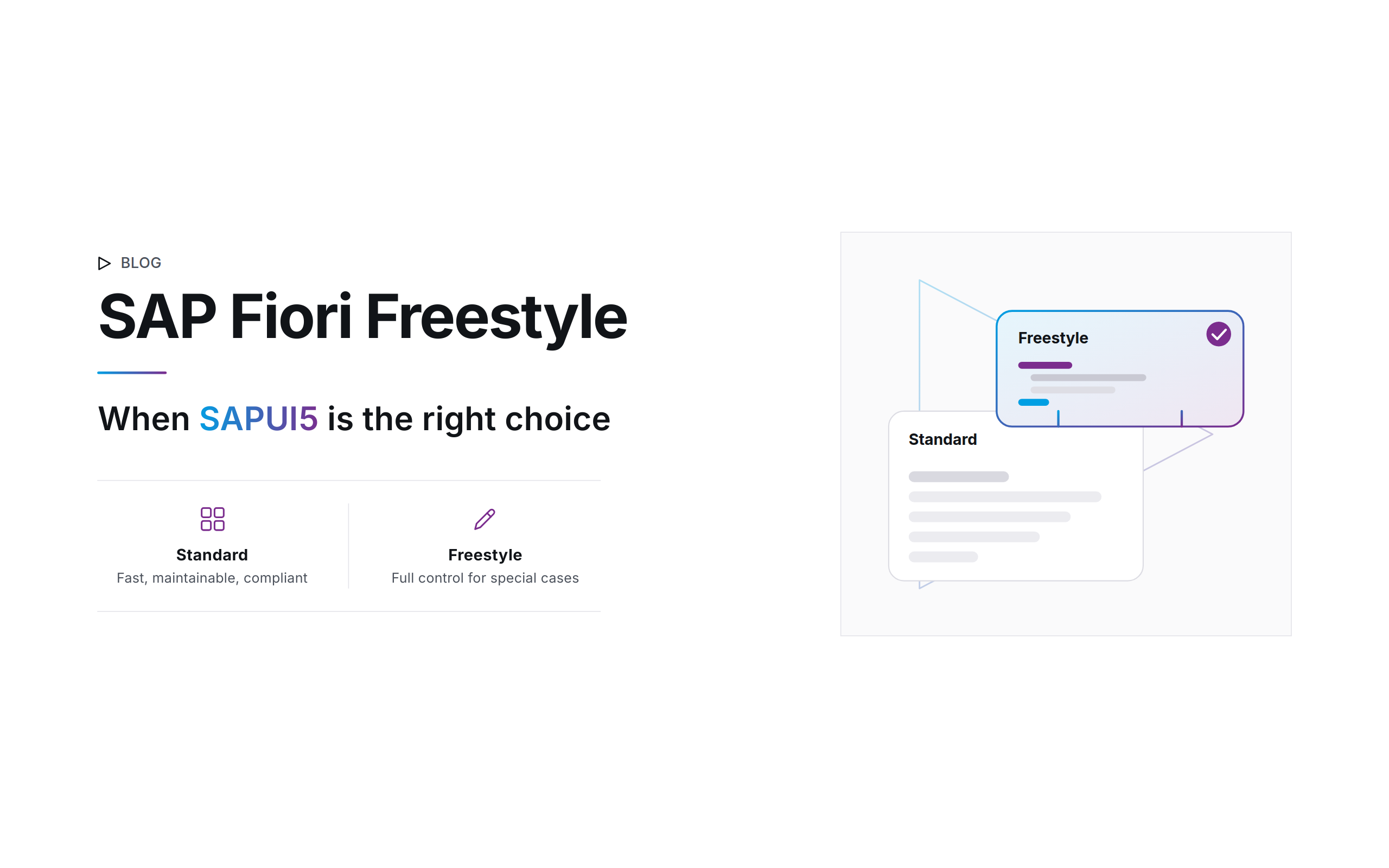
While frameworks like SAP Fiori Elements speed up structured standard processes, they hit their limits with highly individual requirements. When a business process calls for tailored user guidance or the system landscape in the background has grown historically, SAP Fiori Freestyle comes into its own.
With this SAPUI5 approach, developers program applications flexibly, line by line. That means maximum freedom in process design, full access to the entire SAPUI5 control library, and the ability to pour even the most complex business logic seamlessly into a modern interface.
Maximum freedom within the SAP Fiori Design Guidelines
In the SAP Fiori Freestyle approach, developers have the full range of SAPUI5 controls at their disposal. To preserve a consistent user experience across the company, these apps follow the official SAP Fiori Design Guidelines by default. The notorious “wild HTML building” is no longer an issue, since the standardized UI5 controls are used.
If the standard tools ever fall short, SAP Fiori Freestyle offers the technological freedom for deep customizations:
Custom controls & HTML integration
Developers can write entirely custom controls or embed native HTML to enable highly specific interactions.
Third-party libraries
Integrating external JavaScript libraries (e.g., for complex interactive charts, map data, or scanning functions) is possible without any problems.
CSS customizations
In exceptional cases, the visual appearance can be controlled precisely using custom CSS. Practical tip: Such modifications should be used defensively so as not to jeopardize the uniform look and feel of the system landscape.
Blurring boundaries
Metadata control in Freestyle code
SAP Fiori Freestyle development by no means means that you have to reinvent every wheel and give up the convenience of automated, metadata-driven features entirely. The development worlds of SAPUI5 and Elements are growing together more and more seamlessly:
▷ OData V2 & Smart Controls
If you use an OData V2 gateway scenario, smart controls (e.g., SmartTable or SmartFilterBar) are available to you. These controls automatically interpret the metadata of the back end. Important in practice: A powerful variant management can be implemented with them, but in the Freestyle environment, compared to the pure Elements standard, it still requires manual fine-tuning and a clean connection to the back-end smart variant management service.
▷ OData V4 & the SAP Fiori elements for OData V4 framework
In modern V4 environments, the boundaries between the technologies have almost disappeared. Developers can choose freely: you can start with an Elements app and build in highly individual custom pages, OR you can build a classic Freestyle app and drop in so-called building blocks (reusable macros). That way you use standard components for filter bars or tables, including Excel export, but keep full control over the surrounding page design.
Enormous back-end flexibility: from SAP R/3 to the modern RAP model
A huge economic advantage of SAP Fiori Freestyle (SAPUI5) is its complete independence from the back-end technology in use.
The problem solver for older system landscapes (e.g., SAP ERP 6.0)
In theory, SAP Fiori Elements also offers templates on older releases. From experience, however, we know that before S/4HANA and the modern RAP framework, this approach quickly runs into tight limits. In the transitional model of the time (ABAP Programming Model for SAP Fiori), transactional writing and changing of data was tied to the complex BOPF framework in the back end. Anyone who shied away from this massive effort could often only build read-only applications (Read-Only) with Fiori Elements.
Moreover, because the old back end lacked mature CDS annotations, many UI controls had to be maintained laboriously by hand in the front end. With SAP Fiori Freestyle, you break out of these rigid constraints of older systems with ease. You bring modern, responsive interfaces for complex processes to smartphones and desktops, without an expensive S/4HANA upgrade being immediately necessary. The OData service is provided in a classic, flexible, and stable way via transaction SEGW.
The interplay with SAP RAP:
If your system is already at S/4HANA or cloud level, the modern SAP RESTful Application Programming Model (RAP) is the perfect back end. RAP handles all validation, locking logic, and saving of the data. The Freestyle front end connects this logic cleanly through high-performing OData V4 bindings (data binding). An unbeatable combination for future-proof, high-end apps.
Practical scenarios
Where SAP Fiori Freestyle plays to its full strengths
From our day-to-day consulting practice, we know that SAP Fiori Freestyle applications pay off especially in four scenarios where rigid table templates fail:
▷ Dynamic, configuration-driven forms
When screens in the front end have to be built completely dynamically, depending on which parameters the back-end configuration specifies at the moment of the call.
▷ Mobile time tracking & plant floor apps
An app for clocking in and out on a smartphone has to be streamlined, easy to use, and optimized for small screens. Here, Freestyle controls the layout down to the pixel.
▷ Visual interactions (image editing & drawings)
Applications in which tradespeople or service technicians edit photos directly in the app, add markings or hand drawings, and upload the result directly to an SAP business object (e.g., a maintenance order).
▷ Guided processes (wizard structures)
Complex master data entry processes that lead the user step by step through several logically sequential form pages.
Best practices for successful SAPUI5 Freestyle projects
▷ Stay as close to the Fiori design as possible
Use the official standard UI5 controls. Custom CSS or custom controls should be the rare exception, reserved for special requirements, to keep support maintainable.
▷ Use smart controls and building blocks
Don’t hand-code standard tables or filters. Use the metadata power of your OData service to save development time.
▷ Rely on a strong back end
Whether it’s an old gateway system or a modern RAP model, all business logic and data validation belong in the back end. The front end should remain a lean, high-performing presentation layer.
Conclusion
Custom-tailored work for demanding processes. SAP Fiori Elements and SAP Fiori Freestyle are not competitors but the two most important tools in an SAP architect’s toolbox.
While Elements speeds up the standard, Freestyle secures the mapping of highly individual core processes, and across all SAP generations at that. Anyone who uses the Freestyle approach with SAPUI5 strategically and combines it with modern back-end structures creates future-proof applications with maximum acceptance in the business departments.
Author: Alisa Reckinger | Last updated: 07/24/2026